How _to _activate _ESET _Key
How to activate ESET Key?
To activate the ESET, simply follow these steps: 1- Claim the purchased product on your Gamesoo account. 2- Go to this link to download the ESET software. 3- Then install the software. 4- Activate the key by following the steps shown in the pictures below:
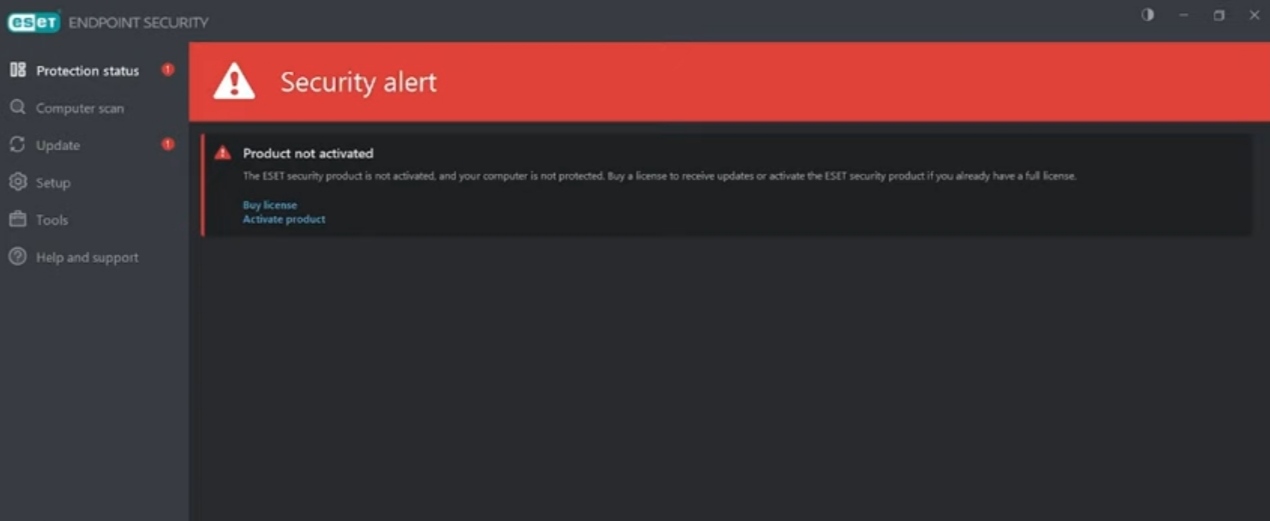


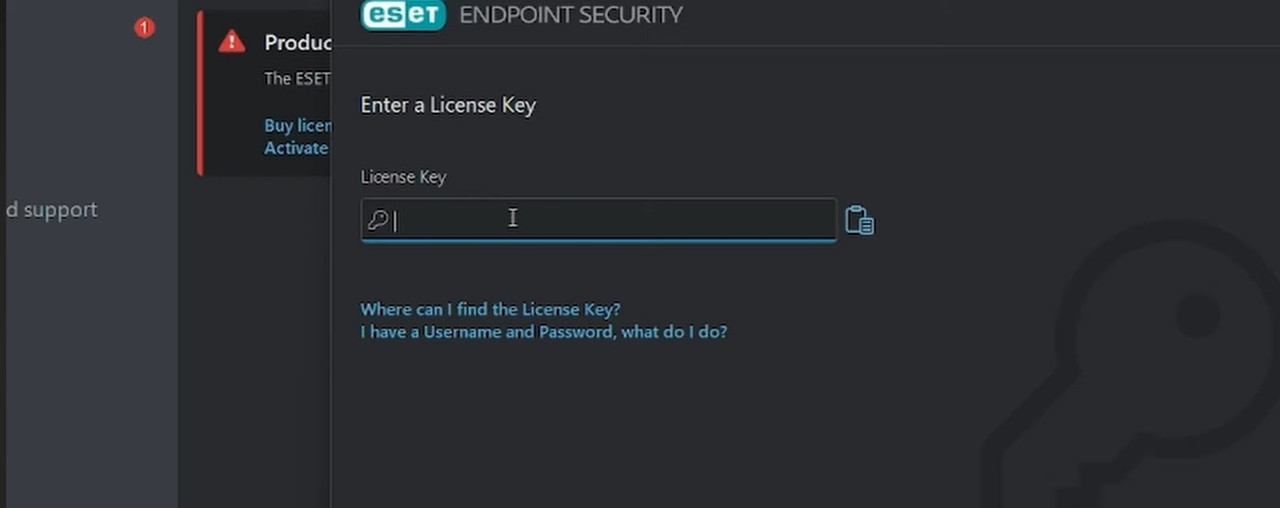
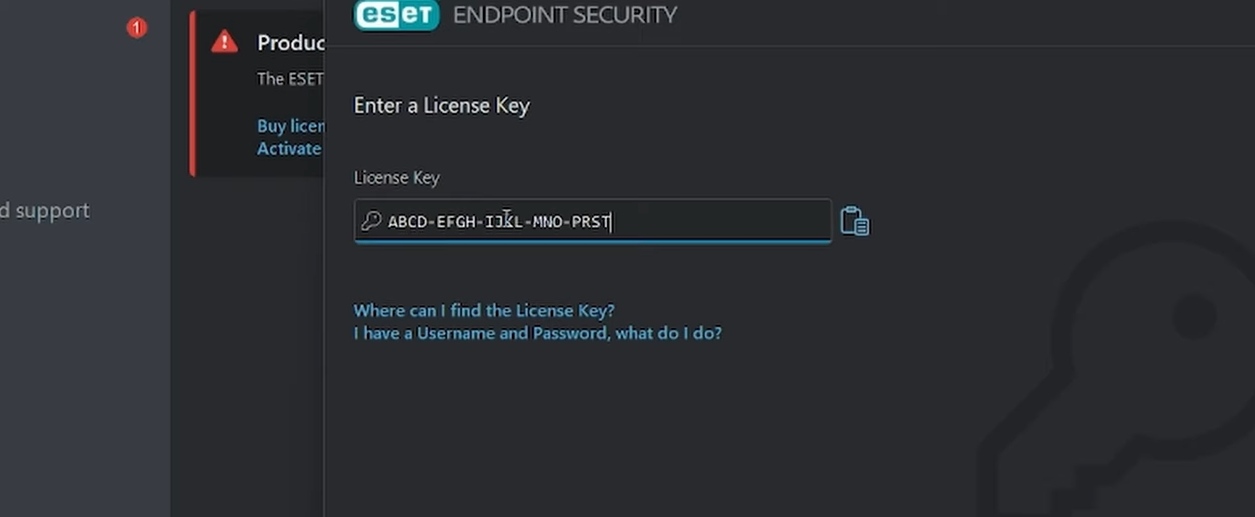
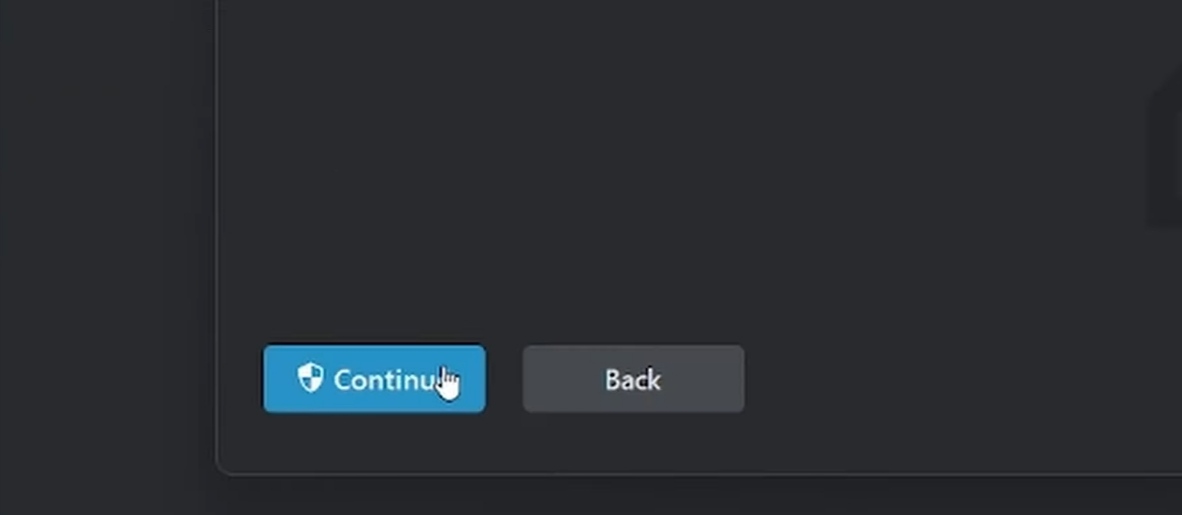
5- You can link your license to your home.eset.com account directly from the software by clicking on ESET HOME and selecting Connect to ESET HOME.
Note: The reactivation of the license may be affected by formatting your device or reinstalling Windows. We recommend you to activate your key immediately after purchase as the licence period starts from the moment of the purchase.