_How _to _activate _Tinder _Gift _card (1)
How to activate Tinder Gift card
If you’ve purchased a Tinder Gift Card and want to use it, here’s a quick guide to help you activate it:
- Start by claiming the purchased product on your Gamesoo account.
- Head over to the official Tinder website.
- Log in with your existing details, or set up a new account if you don’t already have one.
- Once logged in, click on your profile icon.
- Choose the option "Promo Code" from the menu.
- Insert your Tinder Gift Card Code provided to you.
- Finally, press "Submit" to finish the activation.
Alternatively, you can activate your Tinder Gift Card via your Gamesoo account by opening the product key activation details and following these steps:
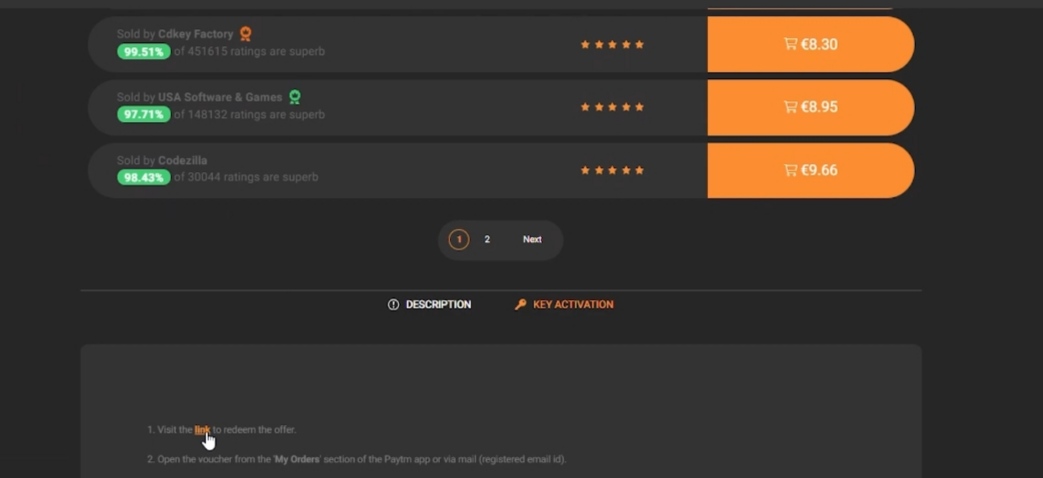
Click on the link in the first point

Enter your code in Tinder

Press "Submit"

Log in to your Tinder account