How to activate PSN (PlayStation Network) Key
How to activate PSN (PlayStation Network) Key?
This can be done in two ways. You can redeem your game code through the website or through your console.
Activation through website:
1- Log in to your PlayStation account by clicking on the “Sign In” button in the top-right corner.
2- Press on your profile icon to open up a drop-down menu.

3- Then press on “Redeem Code” from the drop-down menu.

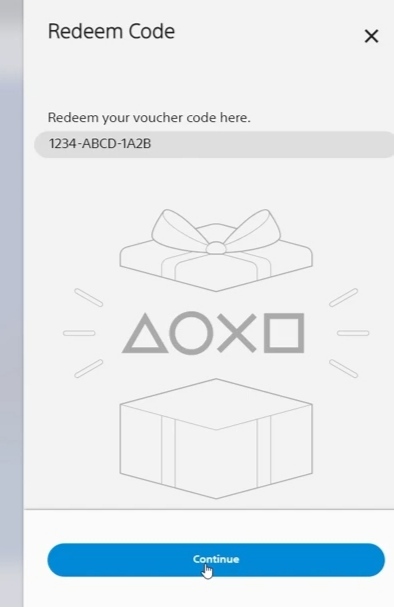
4- Paste your key in the designated field of the Redeem Code Window.
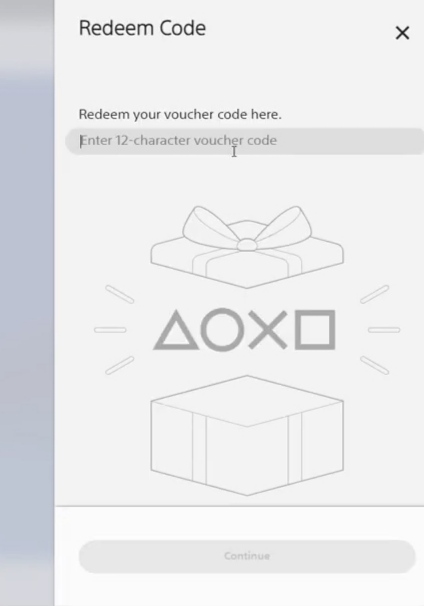
5- Press “Continue” and your code will be activated!
Activation through Console:
1- Ensure that you're signed in to your PlayStation Network account.
2- After that, go to your PlayStation Store.
3- Press on the icon with three dots. (This step applies to PS5 users).
4- Choose “Redeem Code”.
5- Paste your key in the designated field of Redeem Code Window.
6- To complete the Key activation process, press “Redeem”.