How to change your Steam Account password
How to change your Steam Account password?
To change the password of your Steam Account, follow the steps below:
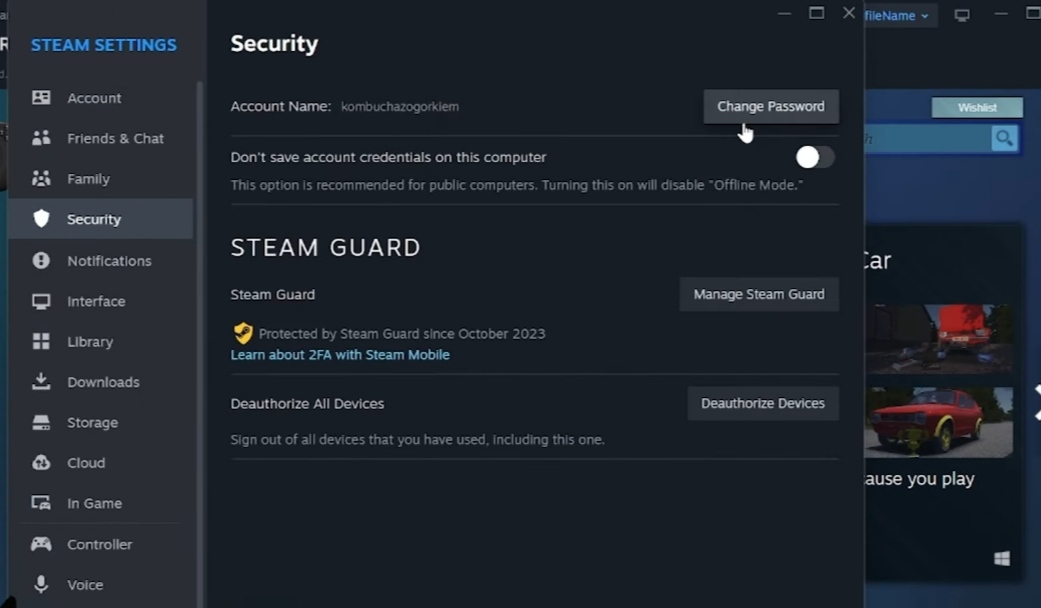
1- Open the Steam Client and choose “Steam” in the top-left corner.
2- Select "Settings".

3- Choose "Change Password" from the 'Security' tab.
4- Select the option to send a verification email to the email address registered with your account.
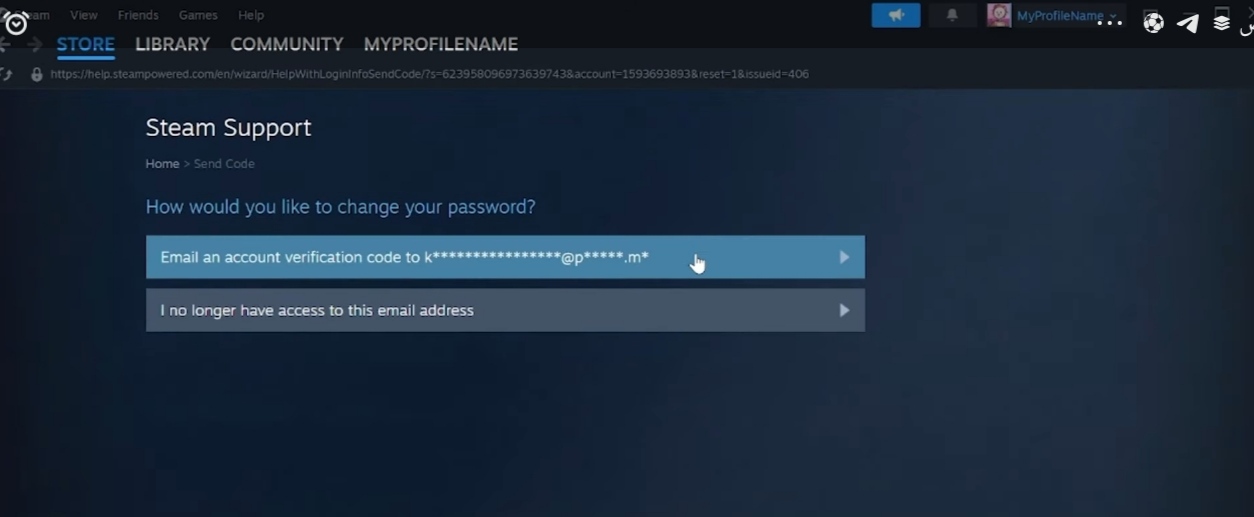
5- Steam Support will send an email to your email address registered with your account, so you need to open your mailbox. If you don't receive an email, check your spam folder.

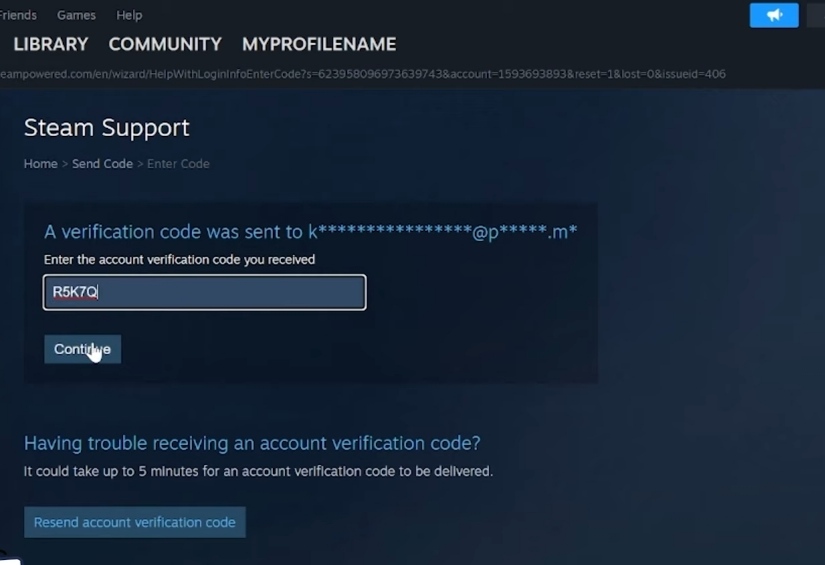
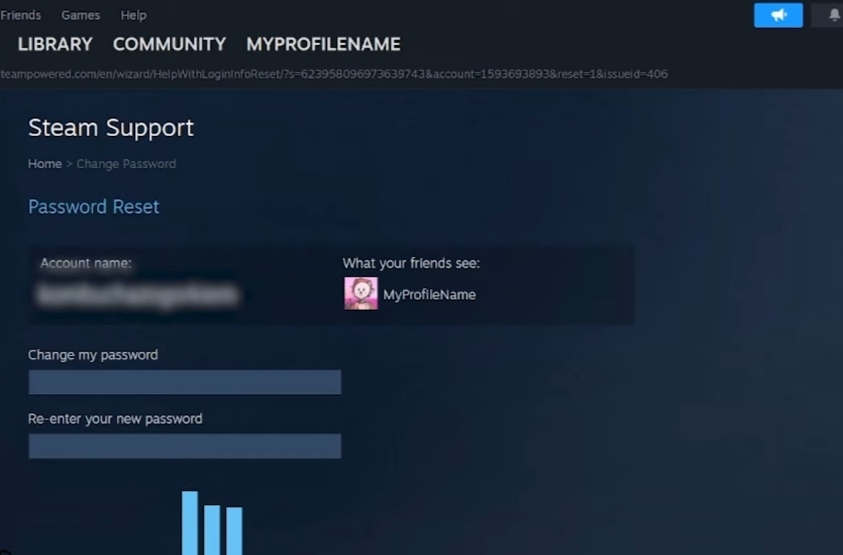
6- Insert the 5-character code that was sent to your email and then insert a new password. Note: Your new password must not be the same as your previous password and must meet the password strength standards.