How to Activate Origin-EA
How to Activate Origin/EA
This can be done in two ways, by Electronic Arts website online or by downloading the EA client app for PC
Redeem Your Product Key in the EA App
- Claim the purchased product on your Gamesoo account.
- Open the EA client application.
- Sign in to your EA account.
- Then, go to “My Library”.
- Click on “Redeem Code”.

- Paste your product key in the Activation Key field.
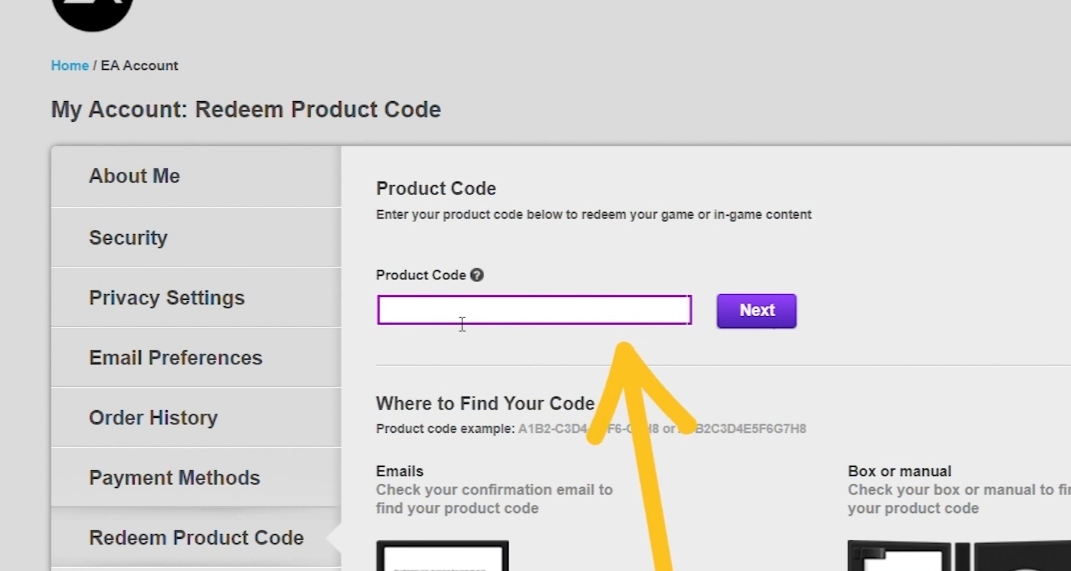
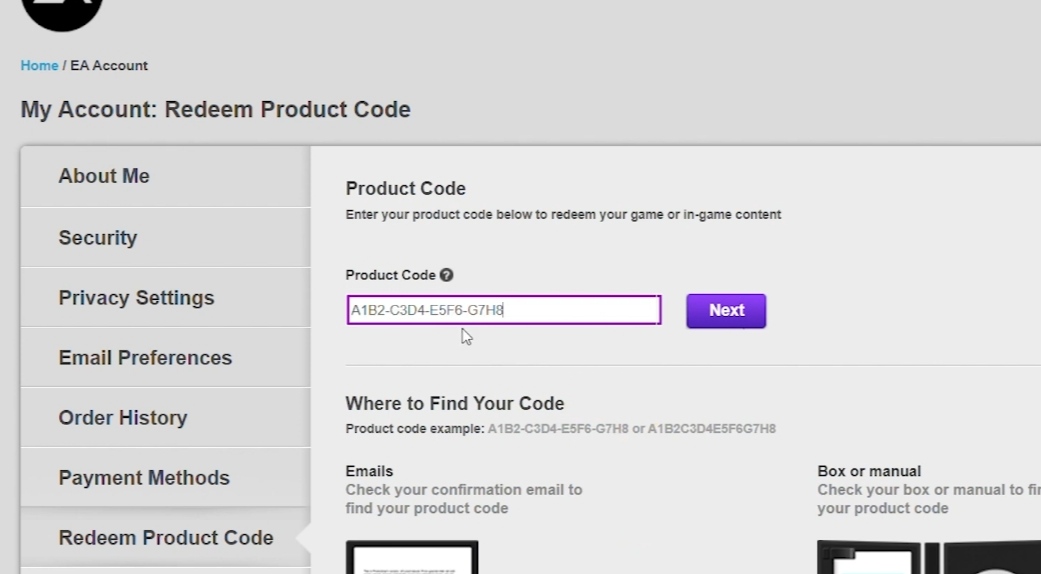
- Press “Next” and then “Confirm”.
- After finishing the redemption, you can download the game immediately or close the window.